Install by adding Rabona Casino to your home screen from the browser (iOS & Android). On Android, use an APK only if the official site offers one - see the Android page. The home-screen route takes seconds and keeps your existing account and balance.
Rabona Casino App
The official site shows an App Store badge and a "Rabona App - Open" banner, but there is no Rabona Casino app in the Canadian App Store - they lead to the browser version, a web app you add to your home screen in seconds. On Android an APK is an option only if the official site offers one - see each platform page for what's confirmed.
Choose your platform
Which Rabona install is right for your phone?
Every route below opens the same Rabona Casino account, wallet and 10,000+ game library - the only thing that changes is how the icon lands on your phone. Pick the one that matches your device.
| Install route | Device | How you get it | Download needed? |
|---|---|---|---|
| Home-screen web app | iPhone & iPad | Open Rabona Casino in Safari, then Share → Add to Home Screen | No |
| Web app (PWA) | Android | Open Rabona Casino in Chrome and accept the Install prompt | No |
| APK (if offered) | Android | Only from the official Rabona Casino domain, if the site offers one | Yes |
| Mobile browser | Any phone | Just play at the site - nothing to add or install | No |
Why isn't there an App Store app?
The App Store badge and the "Open" app banner on the official Rabona Casino site suggest a store app, but the badge does not lead to an App Store listing and searching the Canadian App Store finds no Rabona Casino app. Apple and Google both restrict real-money gambling apps in most regions, which is why many offshore casinos ship a web app (progressive web app) instead of a store listing. It's typically not a downgrade - the web app runs the same game library and cashier as the desktop site and updates itself automatically. See the platform pages below for what we could verify for Rabona Casino specifically.
How to install the Rabona app in under a minute
There's nothing to fetch from a store - installing the Rabona Casino app means saving the web app to your home screen, so the download is quick on any phone.
- Open Rabona Casino in your phone browser - Safari on iPhone, Chrome on Android.
- Tap the browser menu: Share on iPhone, or the three-dot menu on Android.
- Choose Add to Home Screen (iOS) or accept the Install prompt (Android). The Android page covers the APK route - official domain only, and only if one is offered.
- Open the new Rabona Casino icon and log in, or sign up if you're new - your balance and games are already waiting.
One app for sportsbook and casino
Because Rabona Casino is football-first, its app isn't casino-only: the same install carries both the sportsbook and casino on a single wallet. Deposit once with Interac and that balance can back a weekend accumulator or a session on Pragmatic Play - no second login, no separate Rabona Casino betting app to set up. New players get the full welcome offer of 100% up to C$750 plus 200 free spins whichever install they use, with 35x wagering on the bonus and deposit and 40x on the spins.
What the Rabona Casino mobile site looks like
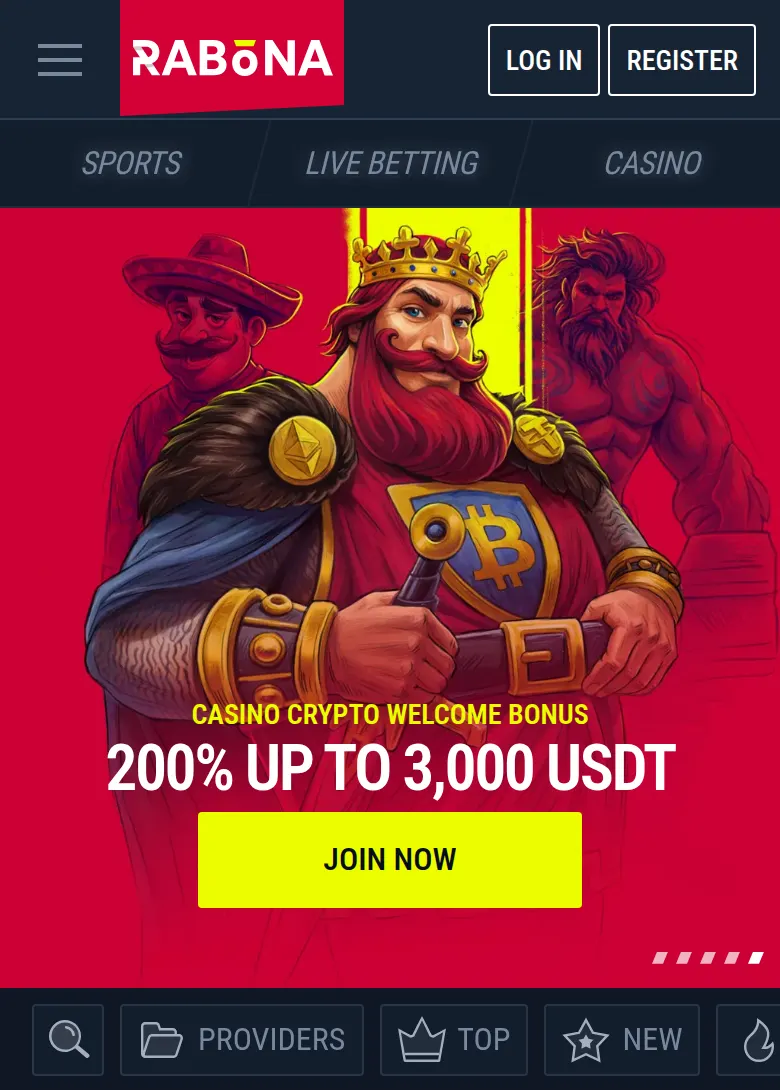
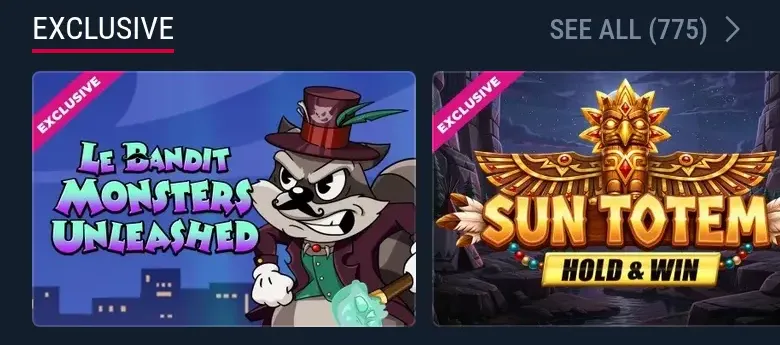
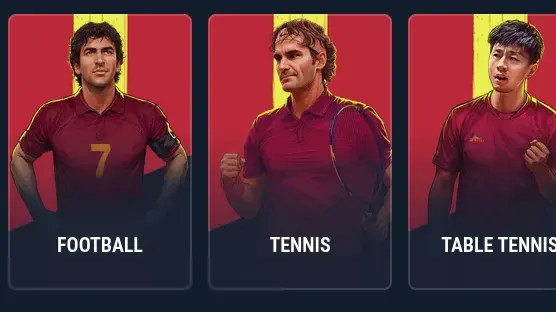
The home-screen app opens the same mobile site you see in the browser: the Sports, Live Betting and Casino tabs sit at the top, and the casino lobby scrolls through rows of slots, live tables and jackpots.


"Rabona Casino application" on iOS and Android - is it different from the app?
Searches for "Rabona Casino application" turn up the same thing as "Rabona Casino app" - there's no separate product behind the full word "application," it's simply another way people phrase the same search. Neither term leads to an App Store or Google Play listing on iOS or Android; both describe the home-screen install covered in the table above.
The practical difference between platforms isn't in the name, it's in the install route: iOS only offers the Safari "Add to Home Screen" method, while Android can use the same home-screen route or an APK if the official site offers one. Either platform ends on the identical Rabona Casino account, wallet and game library.

App - FAQ
Is there a Rabona Casino app on the App Store or Google Play?
No. The official site shows an App Store badge and a 'Rabona App - Open' banner, but there is no Rabona Casino app in the Canadian App Store, and we found none on Google Play either. The badge and banner lead to the browser version - a web app you add to your home screen. On Android an APK is an option only if the official site offers one - check the platform pages below for what's actually confirmed.
Is the app the same as the website?
A web-app install (add to home screen) uses the same account, cashier and game library as the website - it just adds a home-screen icon. See the platform pages for specifics.
Is the Rabona Casino APK safe to download?
An official Rabona Casino APK is not confirmed. If the official Rabona Casino site offers one, take it from that domain only - the risk with any APK comes from third-party mirrors, so never grab it from an aggregator site. Prefer to skip the download entirely? Install the Chrome web app instead - it needs no APK.
Do I still get the welcome bonus if I sign up in the app?
Yes. The offer is identical however you install: 100% up to C$750 plus 200 free spins, with 35x wagering on the bonus and deposit and 40x on the free spins. Signing up on a phone changes nothing about the deal.
Can I place sports bets from the app?
Yes - the app opens both the Rabona Casino sportsbook and casino on one account and one wallet, so the same balance covers football bets and slots. There is no separate Rabona Casino betting app to install.
Is a "Rabona Casino application" different from the Rabona Casino app?
No - they're the same thing. "Application" is simply the full word for "app." Both terms point to the same home-screen install described above, not a separate App Store or Google Play listing.
Can I use Rabona on mobile without installing anything?
Yes. Opening Rabona Casino in your phone's browser gives you the full mobile site - casino lobby, sportsbook and cashier - with nothing to add to your home screen. Installing on iOS or Android just adds a shortcut icon; it doesn't unlock anything the mobile browser doesn't already have.